


The Secret to Realistic Images
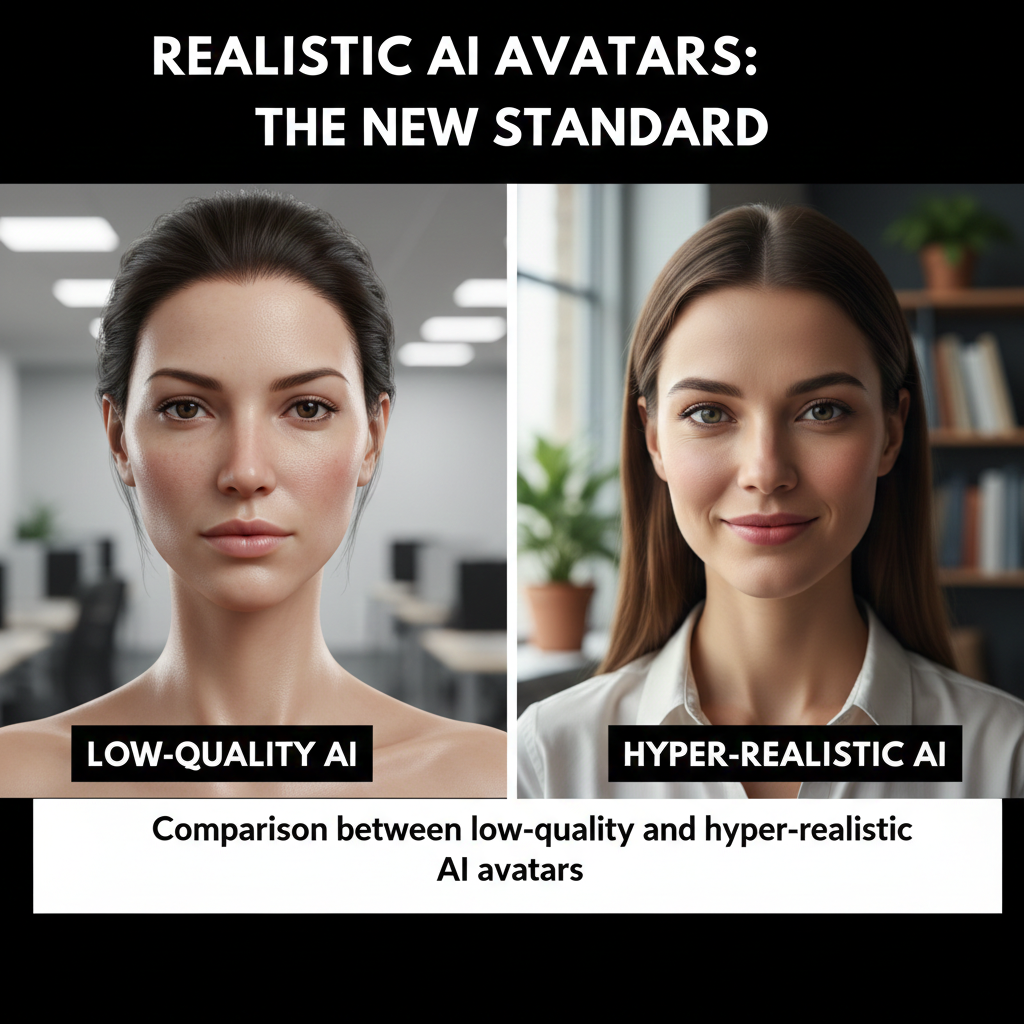
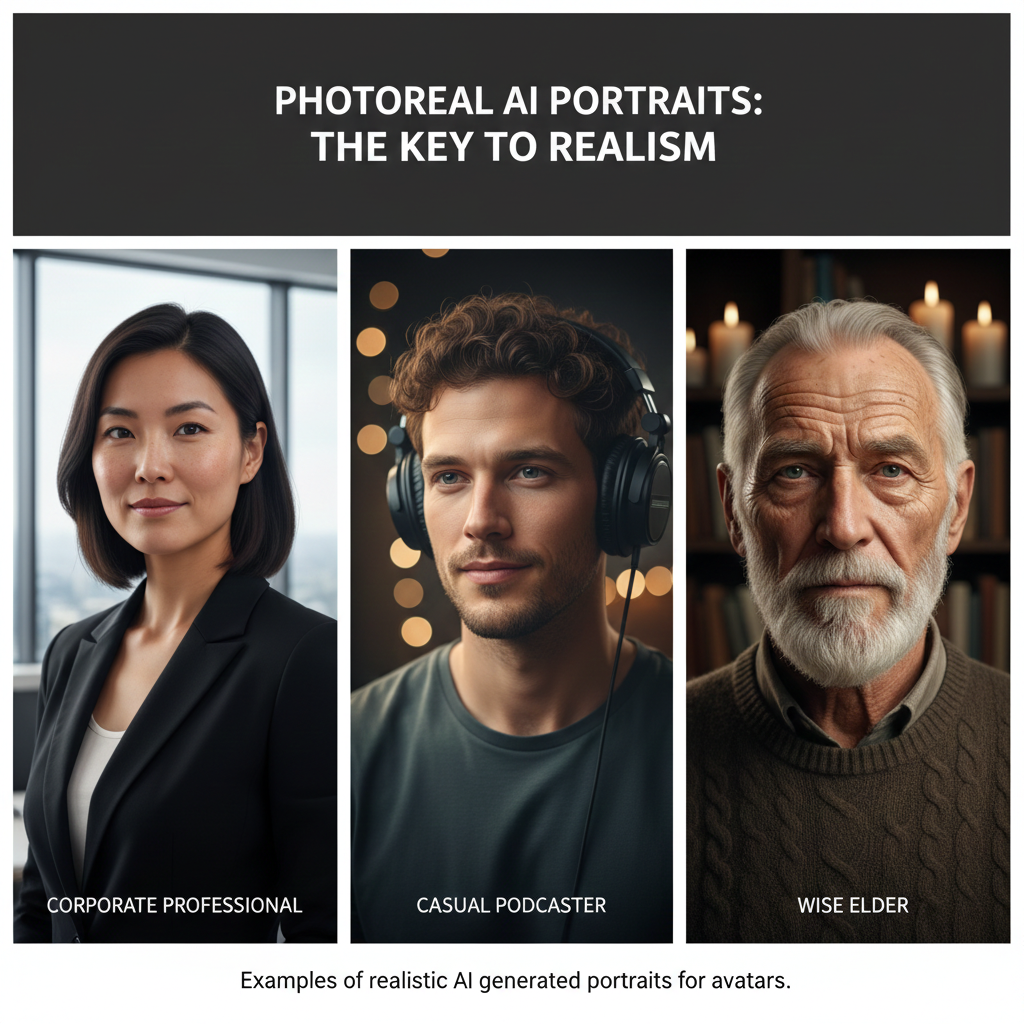
The foundation of a convincing AI avatar is a high-quality, photorealistic image. To avoid the “uncanny valley” effect, the image should be professional but not overly airbrushed. Nano Banana Pro is one of the most effective generators for this purpose, as it produces features that look natural—including subtle blemishes and realistic skin textures.
When generating your source image, it is helpful to use a prompt that describes a specific setting, such as a corporate environment or a podcast studio. If your generated image has unwanted elements, such as extra people in the background that might confuse the AI, you can use built-in editing tools to remove them and refine details like clothing or lighting.
Bringing Avatars to Life with Lip-Sync
Once you have a realistic photo, the next step is making it speak. HeyGen (often referred to as Heyjet in some circles) is a leading tool for this, offering a well-rounded suite of features for animating still images.
- Voice Matching: The voice must match the character’s appearance and the video’s tone. For a corporate professional, a calm and steady voice is essential, whereas a storybook narrator voice would feel out of place.
- Expressive Motion: For higher quality, tools like Avatar 4 allow for subtle, natural movements. You can choose between default movements or “extra expressive” modes. However, be cautious: overly expressive eyebrows or gestures can sometimes detract from a serious professional setting.
- Custom Gestures: You can add specific motions like clasping hands or pointing, though these are typically subtle movements rather than dramatic actions.
Comparing the Leaders: HeyGen vs. De-Sign
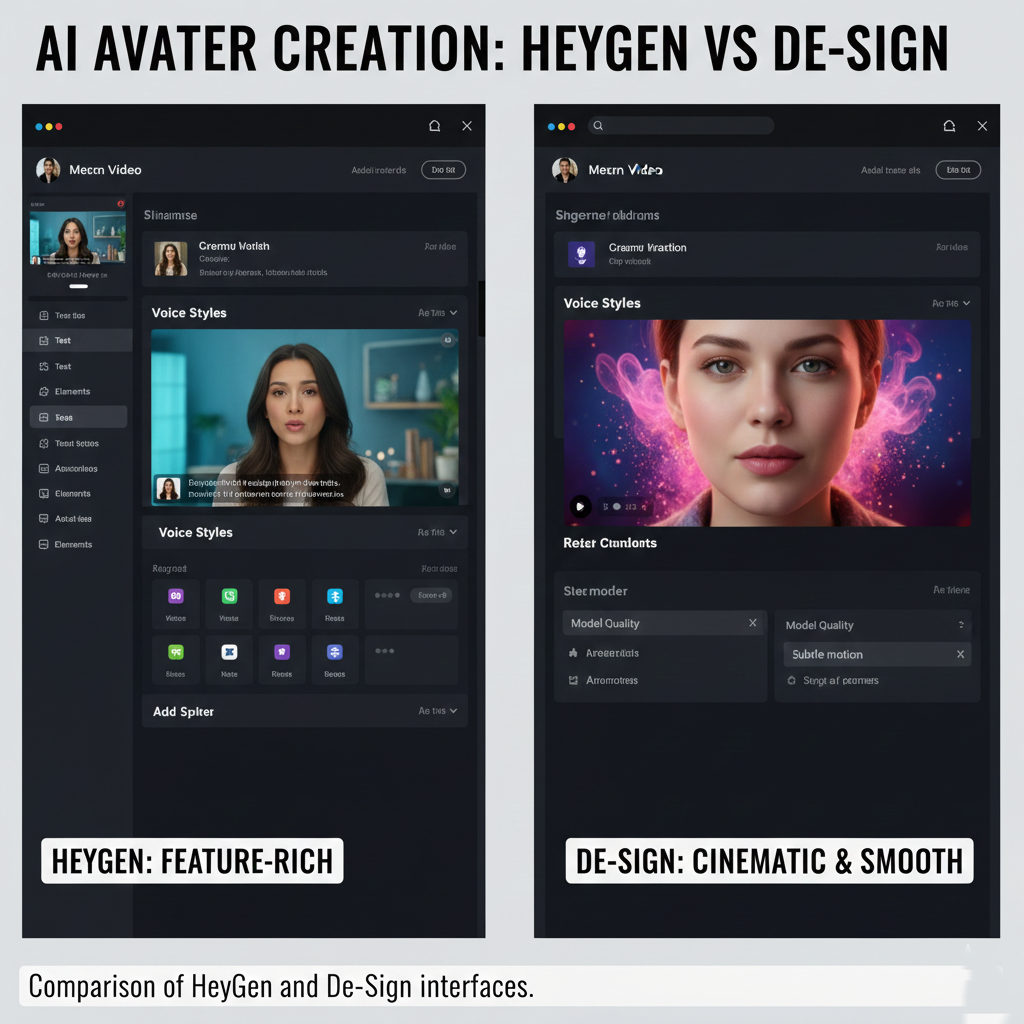
While HeyGen is feature-rich, it can sometimes produce a slight stutter or “freeze” between sentences. For those seeking a more fluid experience, De-Sign (also known as Design) offers smoother body movements and subtle “breathing” between lines, which makes the avatar feel more human.
De-Sign also excels in cinematic backgrounds. In scenes where the background is animated—such as smoke rising from a volcano—De-Sign maintains consistent motion, whereas other tools might produce “poofing” or shrinking effects that break the illusion of reality.
Product Reviews and Reference Styles
One of the most advanced applications is creating an AI avatar that holds a specific product. By using a reference image of a product—like a book cover—and directing the AI to place it in the avatar’s hands, you can create indistinguishable product reviews.
Using reference images is also a powerful way to borrow backgrounds or visual styles from other creators. If you find a clean, professional podcast set that you admire, you can use a screenshot as a reference image to place your own AI character into a similar aesthetic.
The Future: Exaggerated Movements with Kling AI
For avatars that need to do more than just sit or stand, Kling AI has introduced tools capable of larger movements, such as walking or brushing hair. While this technology is still evolving—sometimes resulting in “rubbery” limbs or softer structures—it represents the next frontier in AI avatar generation.
Creating a professional AI avatar requires more than just a single tool; it requires a strategy that pairs hyper-realistic image generation with precise animation. By choosing the right voice, refining your background, and selecting a tool that fits your specific needs—whether it’s the feature-heavy HeyGen or the cinematically smooth De-Sign—you can create content that truly resonates with your audience.










Leave a comment