


Choosing the right processor is often the most confusing part of building a PC or buying a new laptop. With names like “i5-13400F” or “Core Ultra 7,” it’s easy to feel overwhelmed. Intel’s lineup spans from budget-friendly chips for students to massive server-grade hardware. This guide breaks down every modern Intel CPU to help you find the perfect match for your workload.
Core i3 to Core i9: The Consumer Tiers
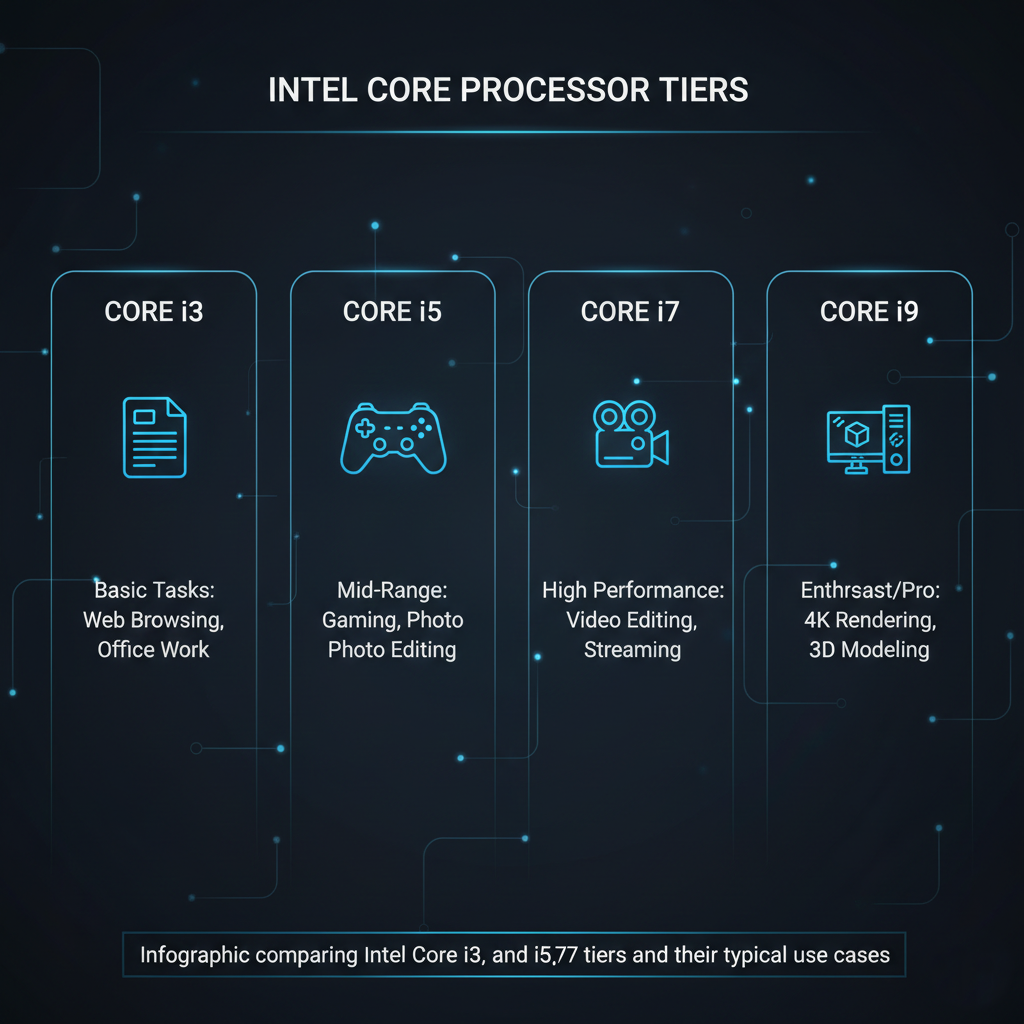
Intel’s “i” series remains the backbone of consumer computing. Each tier is designed for a specific level of intensity:
- Core i3: The entry-level choice. With 4 to 6 cores, it’s built for “light” multitasking—browsing the web, streaming movies, and basic office work. It’s the go-to for budget builds.
- Core i5: The “sweet spot” for most users. Offering between 6 and 14 cores, it handles gaming, photo editing, and programming with ease. It provides the best balance of price and performance.
- Core i7: High-performance territory. Aimed at content creators and serious gamers, these 8 to 20-core chips allow you to play heavy games while recording or streaming in the background without lag.
- Core i9: The flagship. With 16 to 24 cores, this is for professionals doing 4K video editing, 3D modeling, or studio-level rendering.
Decoding the Suffixes
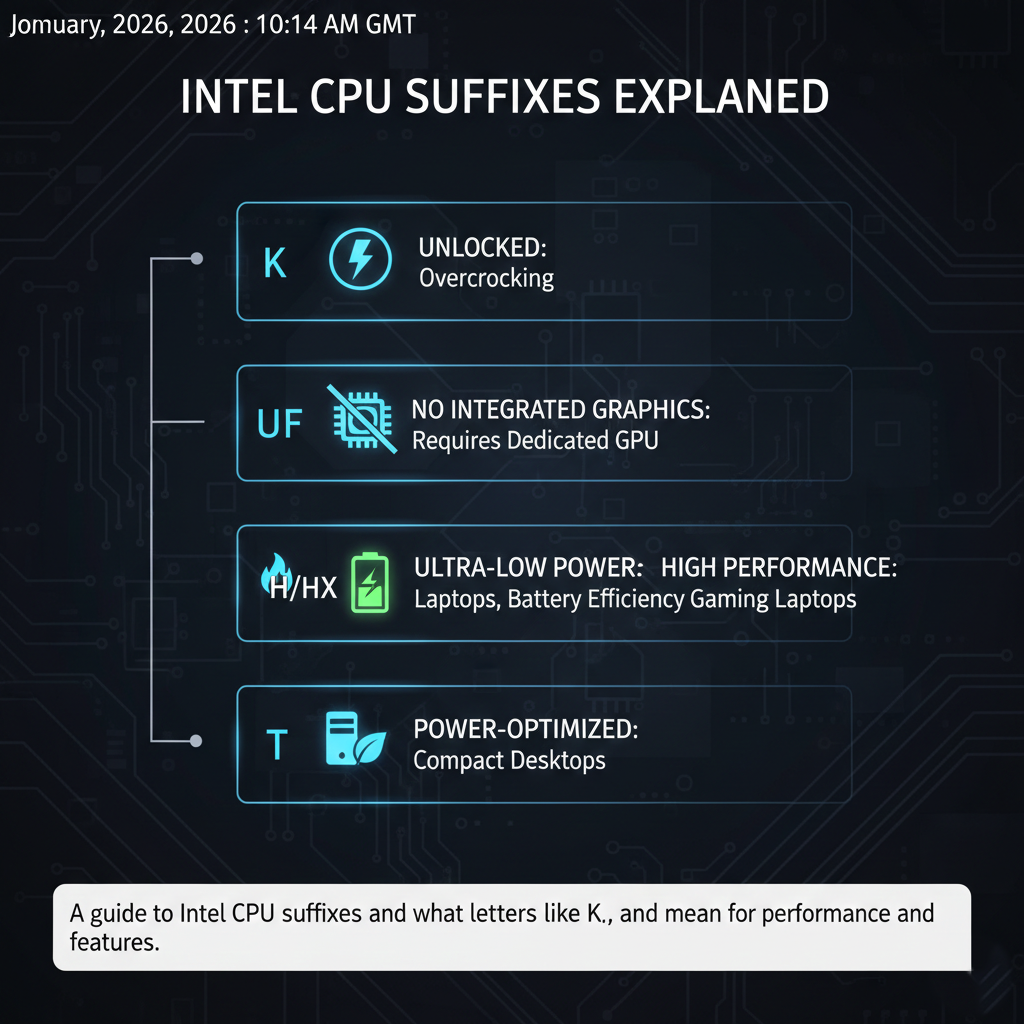
The letters at the end of an Intel CPU name are just as important as the number. They tell you specific features of the chip:
- U: Found in laptops; stands for ultra-low power to save battery and reduce heat.
- H/HS/HX: Found in gaming laptops; indicates high performance, with ‘HX’ being the most powerful.
- K: On desktops, this means the chip is “unlocked” for overclocking.
- F: Means the CPU has no integrated graphics; you must have a dedicated graphics card.
- T: Power-efficient desktop chips for tiny, compact PCs.
Core Ultra: The AI Revolution
The newest addition is the Core Ultra series. Found in high-end modern laptops, these chips feature a built-in NPU (Neural Processing Unit). The NPU takes over AI-specific tasks—like blurring your background in video calls or running “generative fill” in Photoshop—so the main CPU stays cool and saves battery. It’s the future of mobile productivity.

Specialized and Legacy Chips
Beyond the main consumer line, Intel offers specialized hardware for different environments:
- Intel vPro: Business-grade versions of Core chips that include remote management and advanced memory encryption for IT departments.
- Intel Xeon: Not for home PCs. These are server-grade monsters with up to 120 cores, designed for data centers and massive cloud computing.
- Intel Atom: Tiny, low-power chips used in things like digital kiosks, security cameras, and payment terminals.
- Celeron and Pentium: These were the budget “legacy” chips for basic typing. Intel officially discontinued these in 2023, moving those entry-level needs into the standard Core i3 or “Intel Processor” branding.
Whether you’re building a gaming rig or picking a laptop for school, understanding these tiers ensures you don’t overpay for power you don’t need—or end up with a chip that stutters under your workload.













Leave a comment