


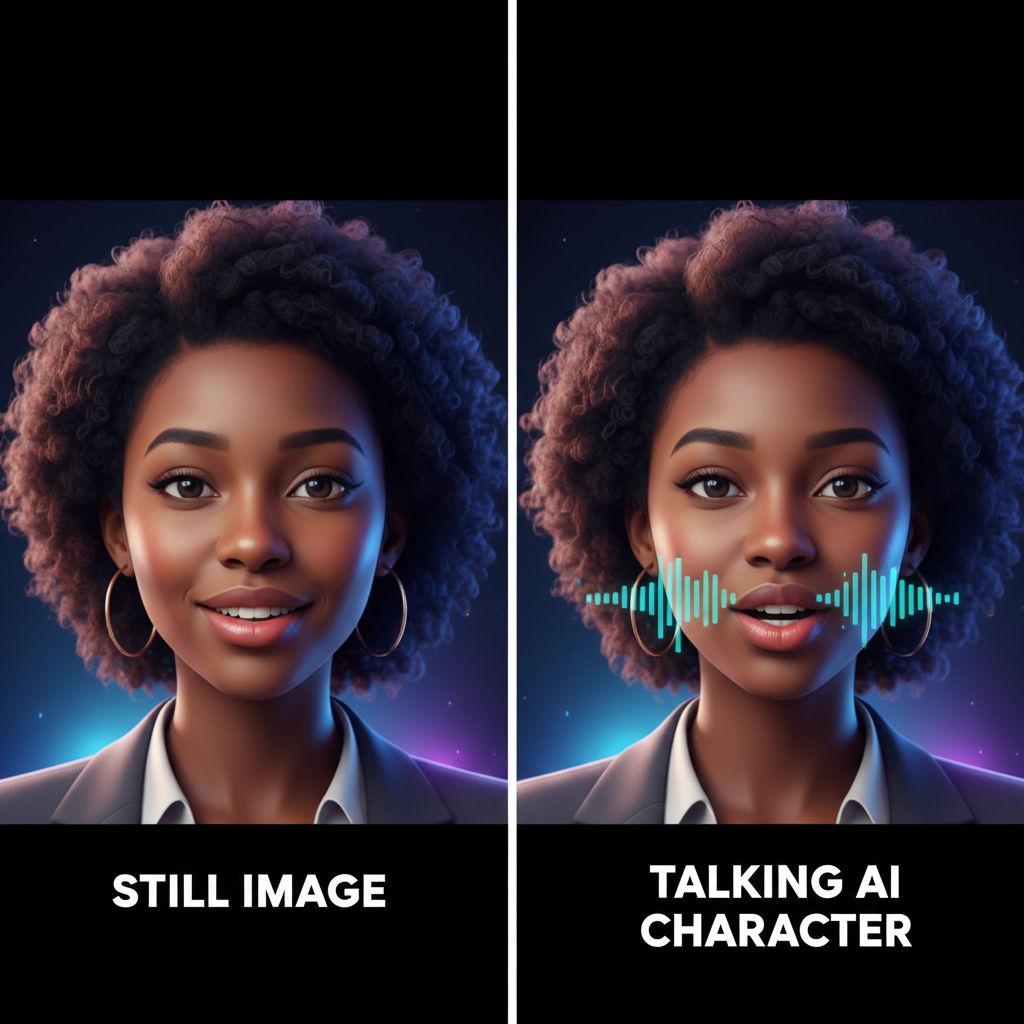
The Power of Talking AI Images
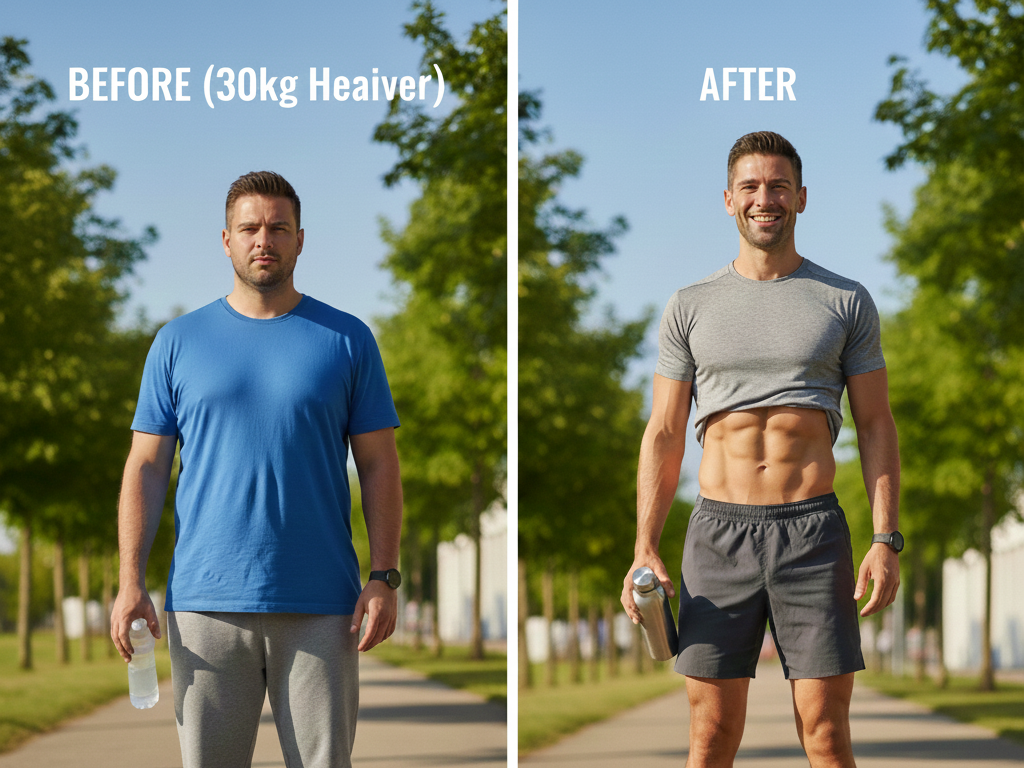
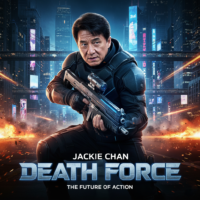
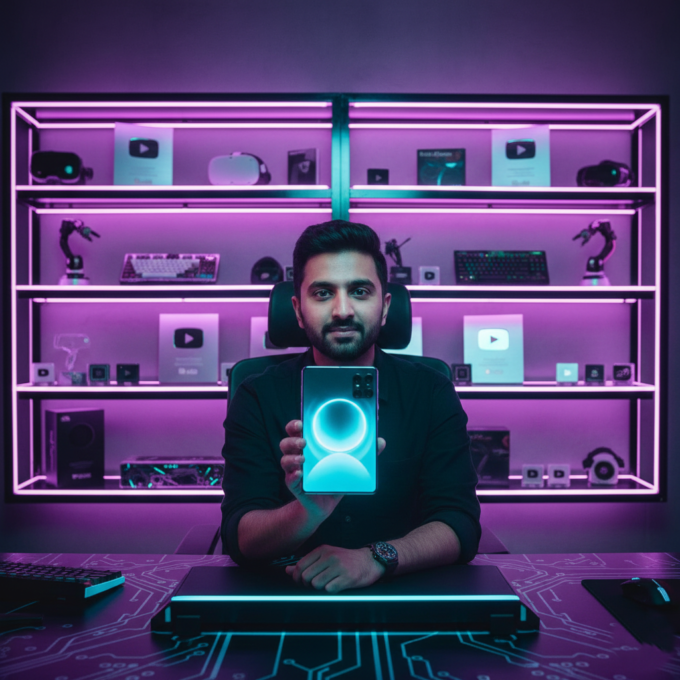
The ability to create talking images used to be reserved for professional animators with expensive software. Today, thanks to a few powerful (and free) AI tools, anyone with a smartphone can bring an image to life. This technology is perfect for those who want to create video content without showing their real face, or for brands looking to add a personalized touch to their marketing.
Step 1: Crafting the Perfect Character with AI Prompts
Before your picture can talk, you need a high-quality image. The best way to start is by using ChatGPT to brainstorm a character. For the best results, aim for a character that is “facing the camera.” This ensures that when the AI animates the lips, the lip-sync looks natural and realistic.
You can ask ChatGPT for ideas—whether it’s a professional working lady, a creative content creator, or even a talking animal. Once you have a description, you have a “prompt” ready for image generation.
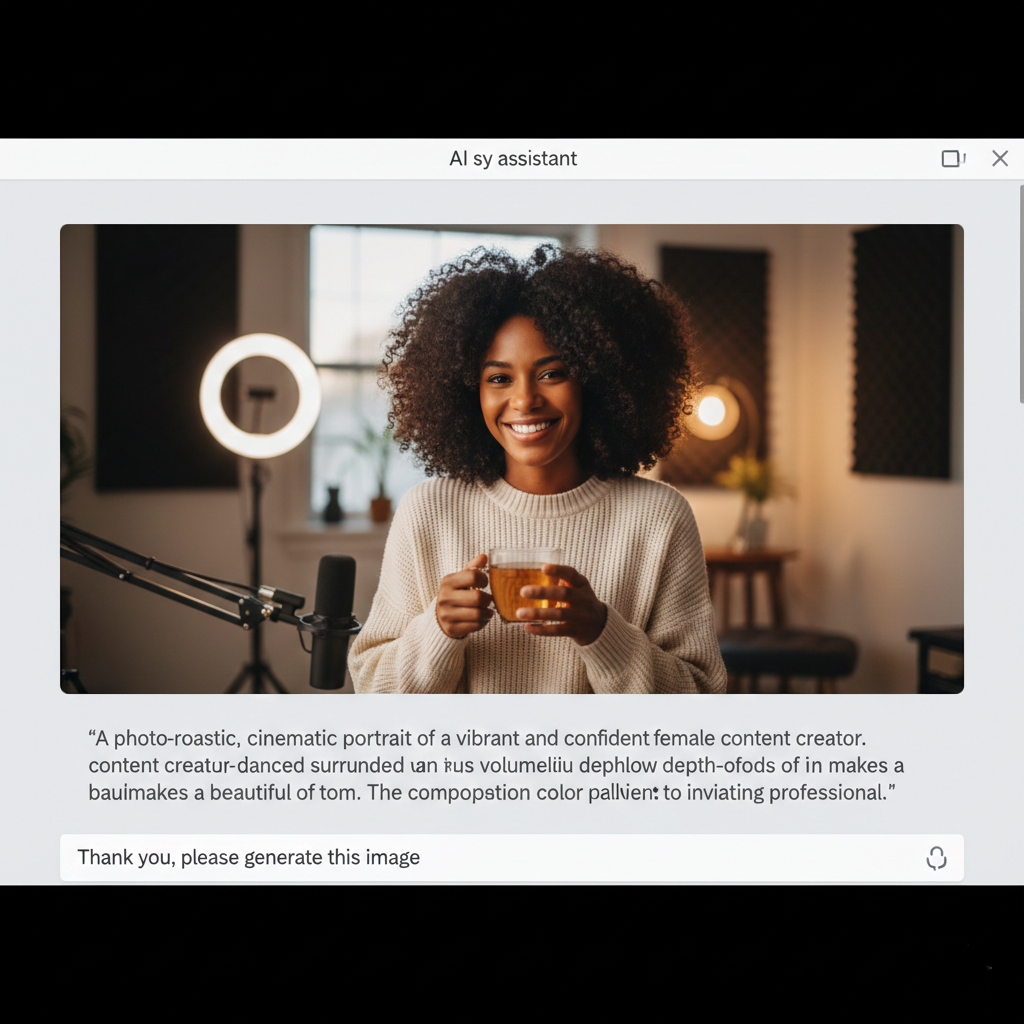
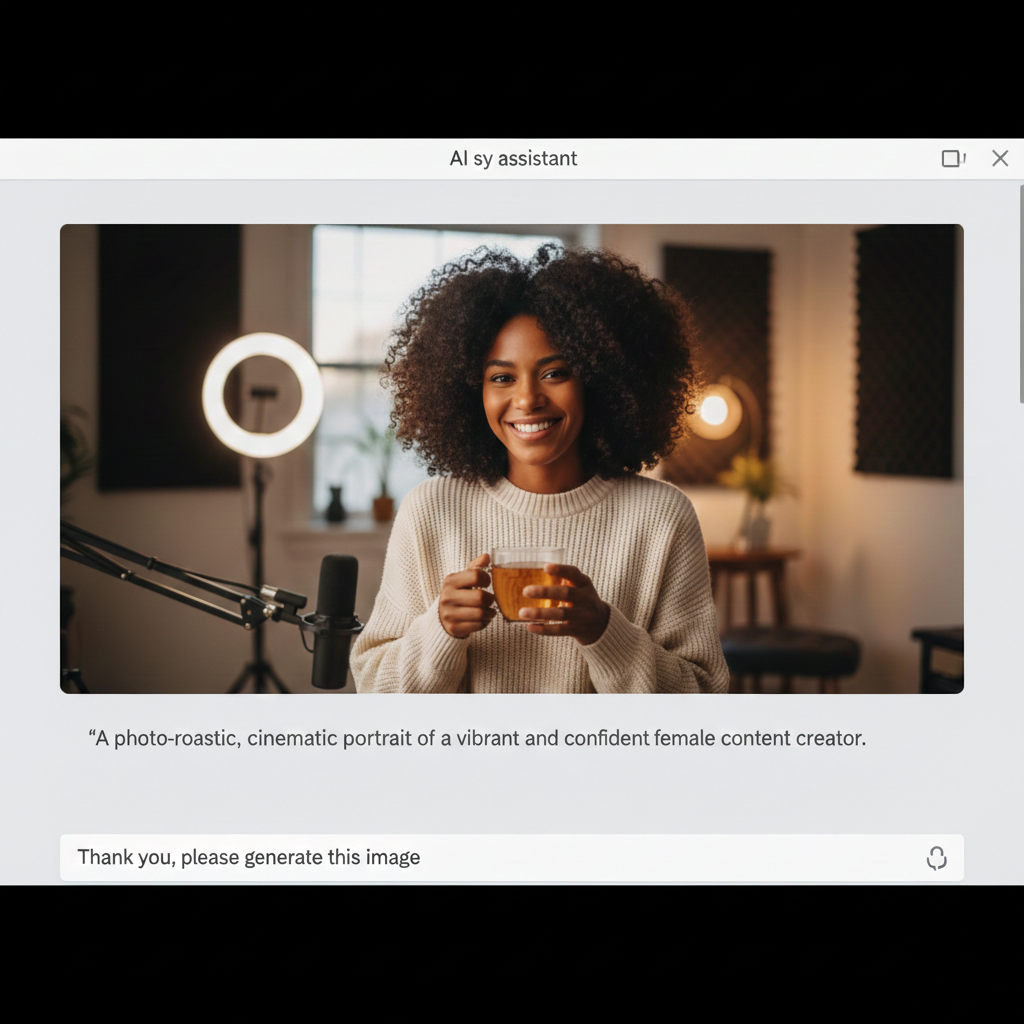
Step 2: Generating Your Image for Free
You don’t need paid subscriptions to get stunning visuals. You can use Meta AI (available on WhatsApp) or the free version of ChatGPT to generate your character. Simply paste your prompt and ask the AI to “generate an image.”
If you’re using Meta AI, the image saves directly to your gallery. If the first result isn’t perfect, tweak your prompt slightly—mentioning specific clothing, lighting, or background details—until you have a clean, professional-looking portrait.
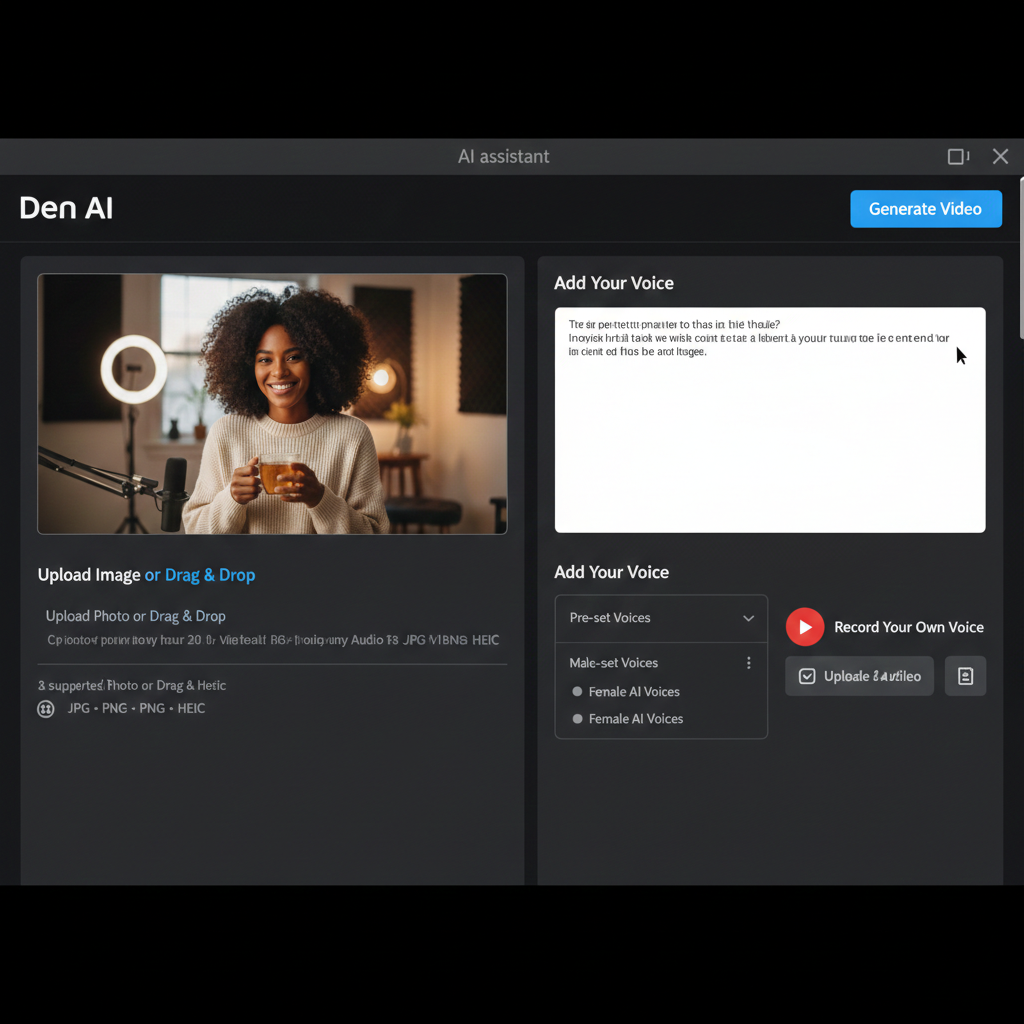
Step 3: Animating the Image with Den AI
Now for the “magic maker.” Den AI (sometimes referred to as Den or Digen AI) is a powerful tool that allows you to upload a still photo and add a voice track.
- Sign In: Log in using your Google account to access free daily credits.
- Upload: Select your 1:1 or 16:9 cropped image.
- Add a Script: You can either type in a script and choose a pre-set AI voice, or use the “Record” feature to use your own voice.
Pro Tip: Using your own voice or a recording of a friend/family member is a great way to avoid “robotic” sounds and stay safe from copyright issues. It makes your content unique and more engaging.
Step 4: Finalizing and Exporting
Once you’ve added your script, click “Generate.” The process usually takes a few minutes depending on the length of the script. The AI will analyze the voice patterns and animate the mouth and facial expressions of your image to match perfectly.
Once it’s done, you can download the video and use it on YouTube, TikTok, or Instagram. If you want to change the size (for example, turning a square video into a wide YouTube video), simply use an editing app like CapCut or InShot to resize the background.
Start Your AI Journey Today
Making pictures talk is more than just a fun trick; it’s a powerful tool for modern storytelling. With zero cost and just a few minutes of your time, you can create professional-grade talking avatars that capture attention and deliver your message effectively.
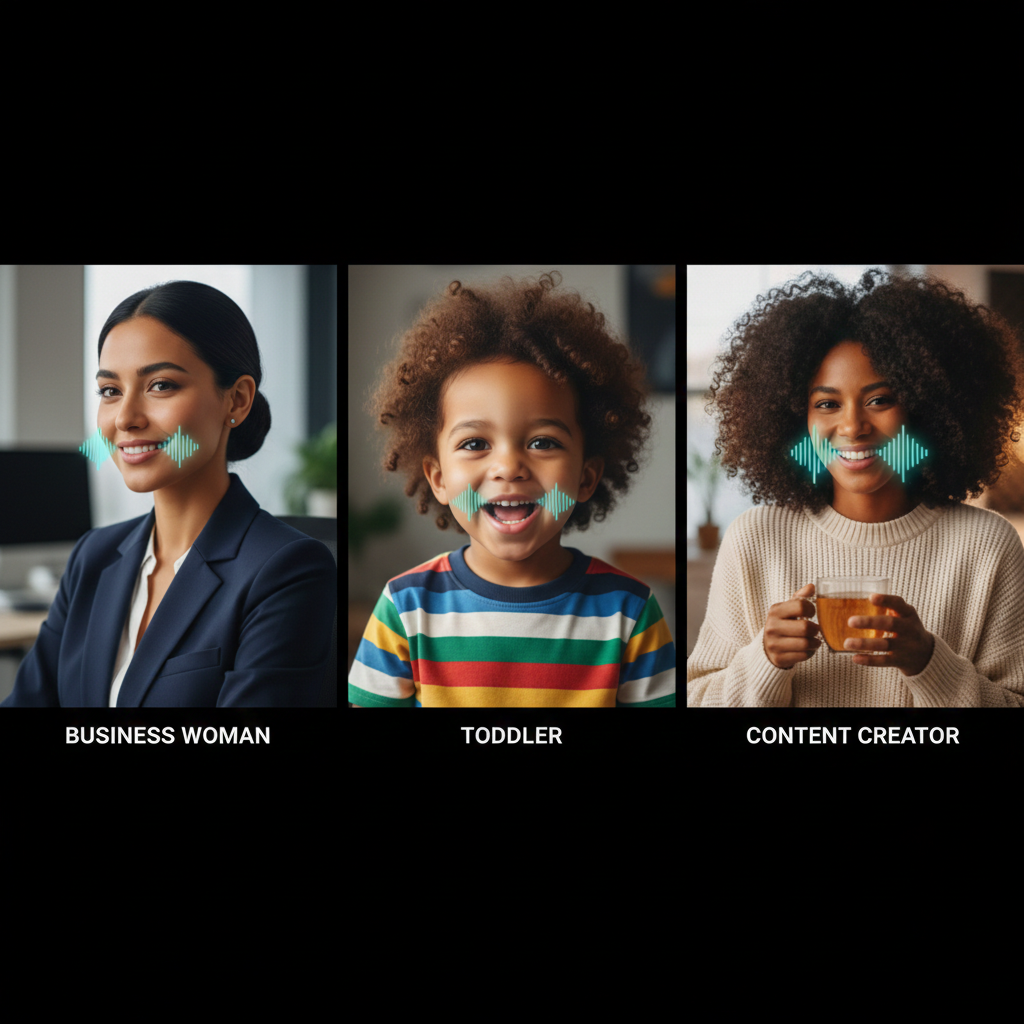
Whether you’re telling stories, selling products, or teaching a class, talking AI characters are ready to work for you. Give it a try and see how easy it is to bring your imagination to life!




Leave a comment