


How to Activate Windows 11 for Free: 5 Methods Explained
Buying a new PC is expensive enough without adding another $140 for an operating system. For many users, throwing 10% of their budget at a license feels like a “tough pill to swallow”. Fortunately, as Linus Tech Tips recently explored, there are several ways to get Windows 11 running without breaking the bank—some of which are completely free and official.
In this guide, we’ll break down how to activate Windows 11 for free, the differences between license types, and the “gray areas” you should probably avoid.
Method 1: The Official Free Upgrade
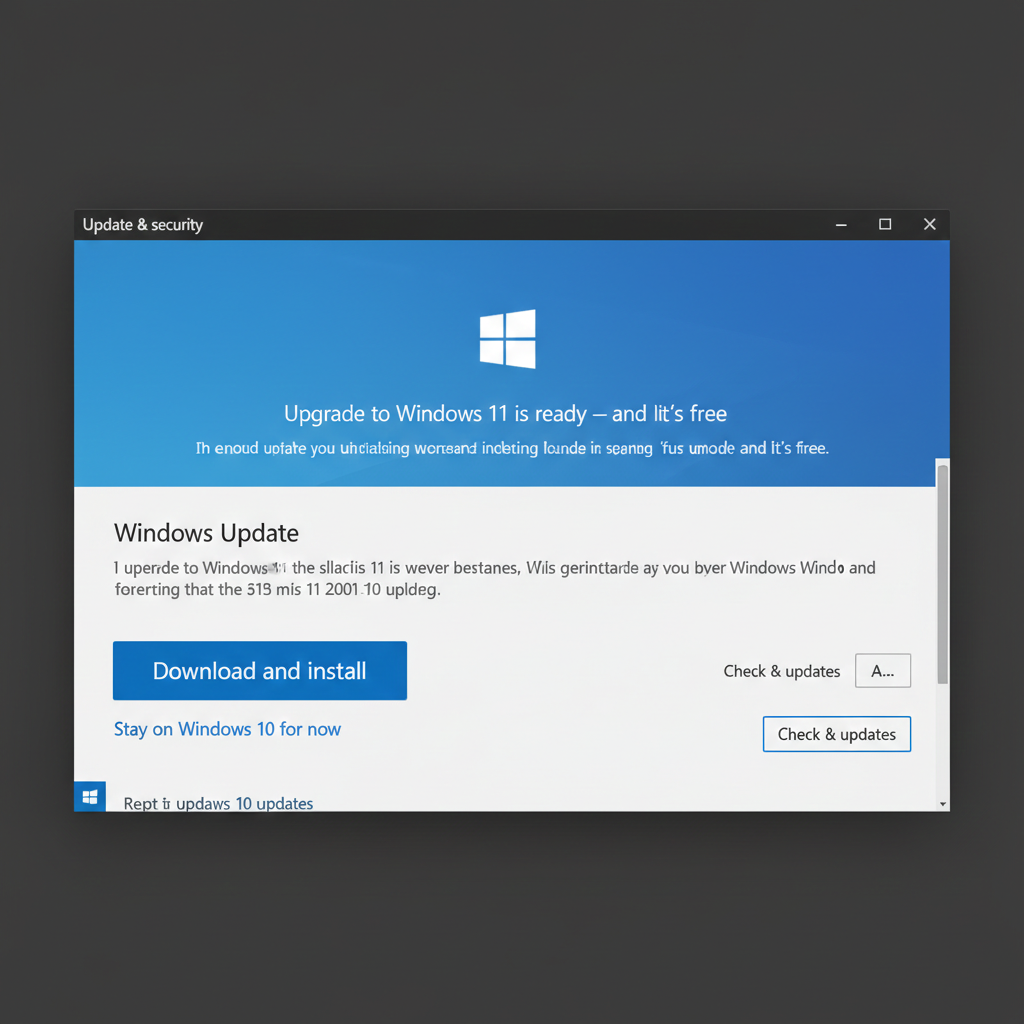
If you already own a licensed copy of Windows 10, you are in luck. Microsoft allows any user with a genuine Windows 10 license to upgrade to Windows 11 for absolutely no cost.
- The Catch: Your hardware must meet Microsoft’s requirements (TPM 2.0, etc.), though there are workarounds if your PC is slightly older.
- Pro Tip: You can often perform a “fresh install” of Windows 11 and simply type in your old Windows 10 product key during setup—it still works!.
Method 2: The “Don’t Activate” Method (Legal & Free)
Believe it or not, you can use Windows 11 indefinitely without ever entering a product key. When installing Windows, simply click “I don’t have a product key”. Microsoft intentionally leaves this loophole open to maintain its dominance as the world’s most popular OS.
The Limitations of Unactivated Windows:
- The Watermark: A persistent “Activate Windows” text will appear in the bottom right corner.
- No Personalization: You cannot change your wallpaper, colors, or dark mode settings through the standard Settings app.
- Performance Issues: Some users report that the watermark can interfere with graphics performance, specifically with G-Sync or variable refresh rate gaming.
Method 3: OEM vs. Retail Licenses
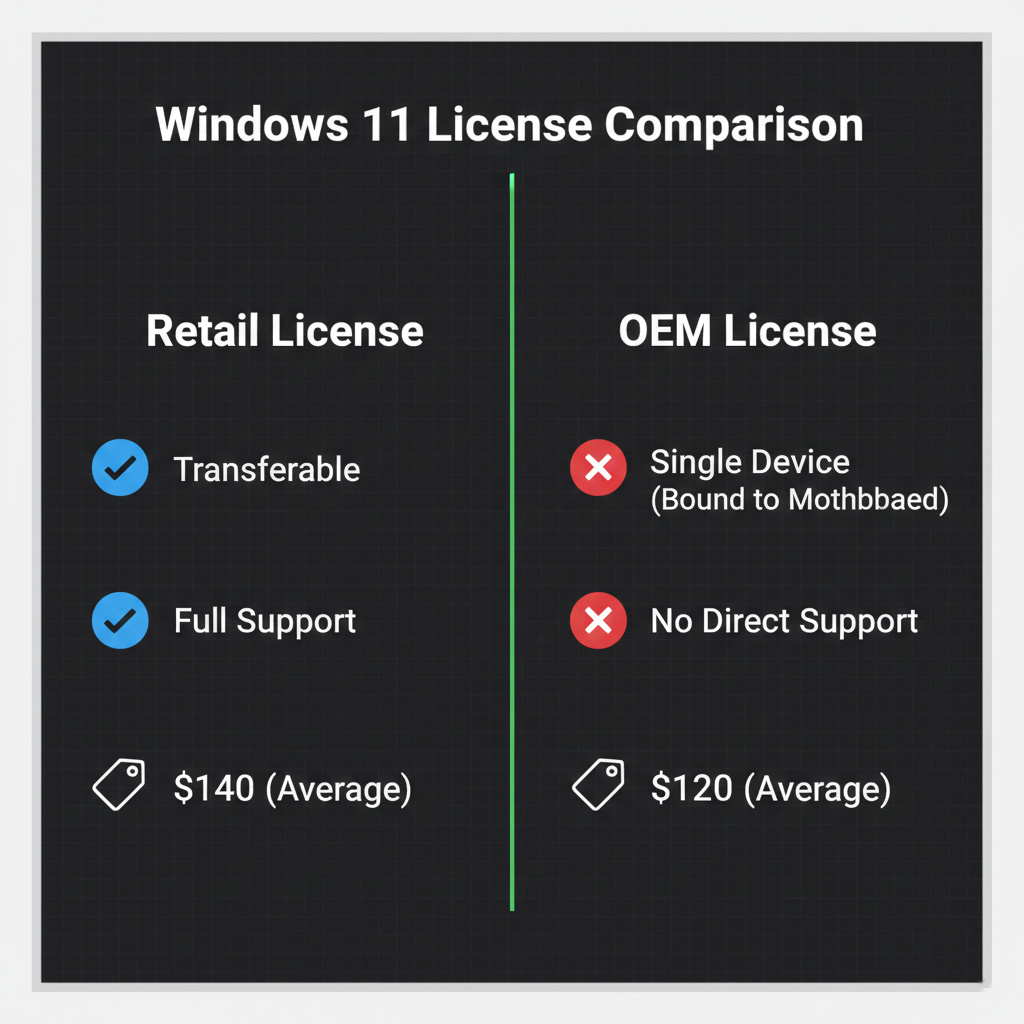
If the free options don’t work for you, you might look at “System Builder” or OEM licenses. These are usually sold for about $120—roughly $20 cheaper than retail.
- Retail: Can be moved to an entirely different computer if you upgrade your hardware.
- OEM: Bound to the first motherboard it is installed on and offers no direct support from Microsoft.
Method 4: The Gray Market & Piracy
While searching for “how to activate Windows 11 for free,” you will inevitably encounter sites like G2A or tools like Microsoft Activation Scripts (MAS).
- Cheap Keys ($1–$20): These are often legitimate keys obtained through illegitimate means, such as credit card fraud. Using them may support organized crime networks.
- MAS (PowerShell): A simple “one-liner” script found on GitHub that activates Windows instantly. While highly effective, it is not terms-of-service compliant and exists in a legal gray area.
Caution: Linus suggests that if you are choosing between a fraudulent key site and piracy, piracy might actually be the “cleaner” moral choice—but neither is officially endorsed.
Method 5: Student and Education Licenses
Before you resort to piracy, check your school or university. Many institutions have agreements with Microsoft that allow students and teachers to get a Windows license for free or at a massive discount. Just be aware that these licenses might expire once you graduate .
Which Path Should You Take?
The best way to activate Windows 11 for free is to reuse a Windows 10 key or simply run it unactivated if you can live with the watermark. While “gray market” keys are tempting, the security and ethical risks often outweigh the $10 savings.












Leave a comment