


Choosing the Right Foundation: Hosting and Domains
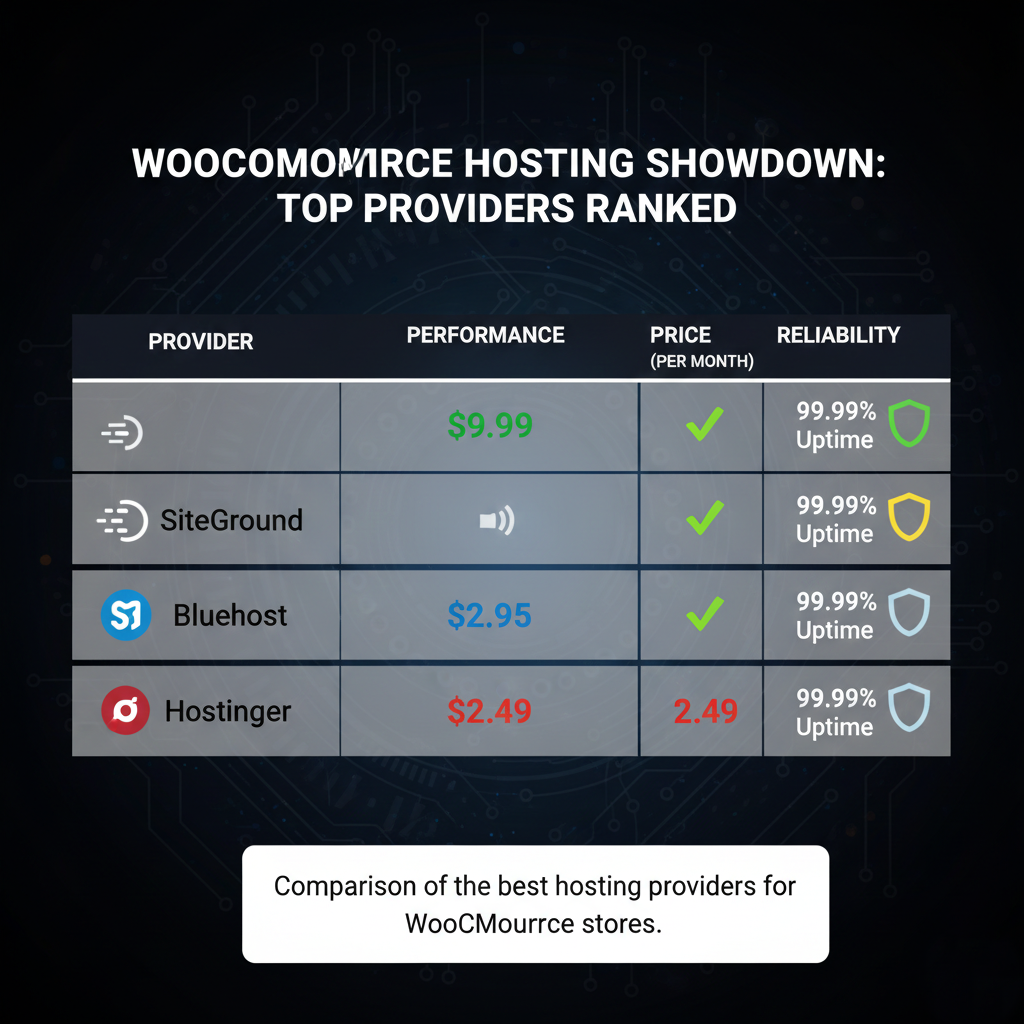
The performance of your store starts with your hosting provider. For a serious eCommerce business, look for features like MVME storage for speed, daily backups, and free SSL certificates. Providers like SiteGround and WP Engine offer premium “set and forget” experiences, while Hostinger and Bluehost provide an excellent balance of price and ease of use for beginners.
When picking a domain, it is often best to register it separately through a transparent registrar like Namecheap or Cloudflare. This ensures you maintain full ownership and avoid hidden “free domain” renewal traps.
WordPress Essentials and Plugin Prerequisites
Once WordPress is installed, you need a lightweight theme and a set of powerful design tools. The Astra theme is a top choice because it is fast and integrates perfectly with page builders. Essential plugins for your store include:
- Elementor: For visual page design.
- WooCommerce: The engine that powers your shopping cart and checkout.
- WP Forms: To create clean contact and inquiry forms.
- WP Remote: For essential security, backups, and performance monitoring.
Mastering Product Management
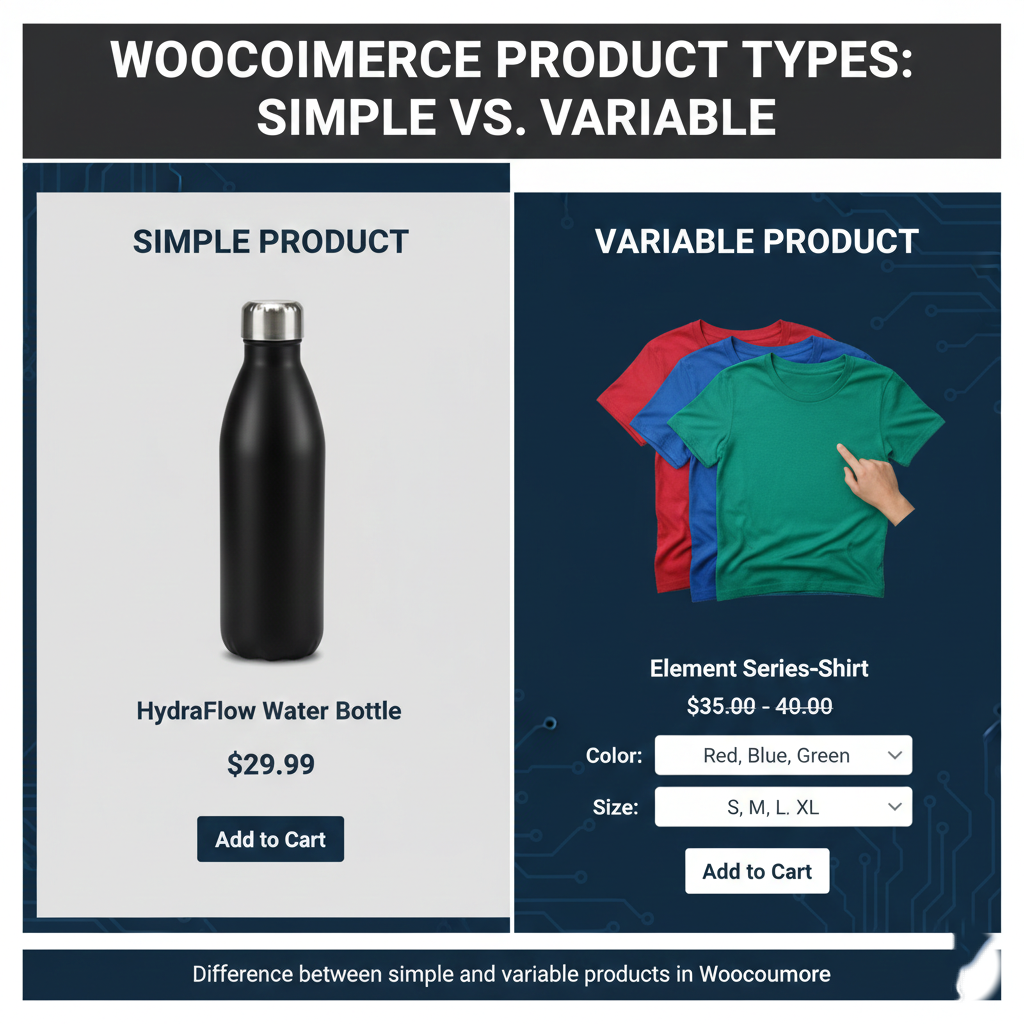
Your catalog is the heart of your store. WooCommerce allows for various product types to suit any business model:
- Simple Products: Best for items with no variations (e.g., a standard gym bottle).
- Variable Products: Essential for clothing or gear that comes in different sizes and colors.
- Grouped/Digital Products: Perfect for bundles or downloadable items like workout plans and eBooks.
To save time as you grow, utilize Bulk Editing features or CSV imports. For advanced users, AI workflows can even automate product descriptions and image generation to keep your catalog SEO-optimized and professional.
Designing a High-Converting Homepage
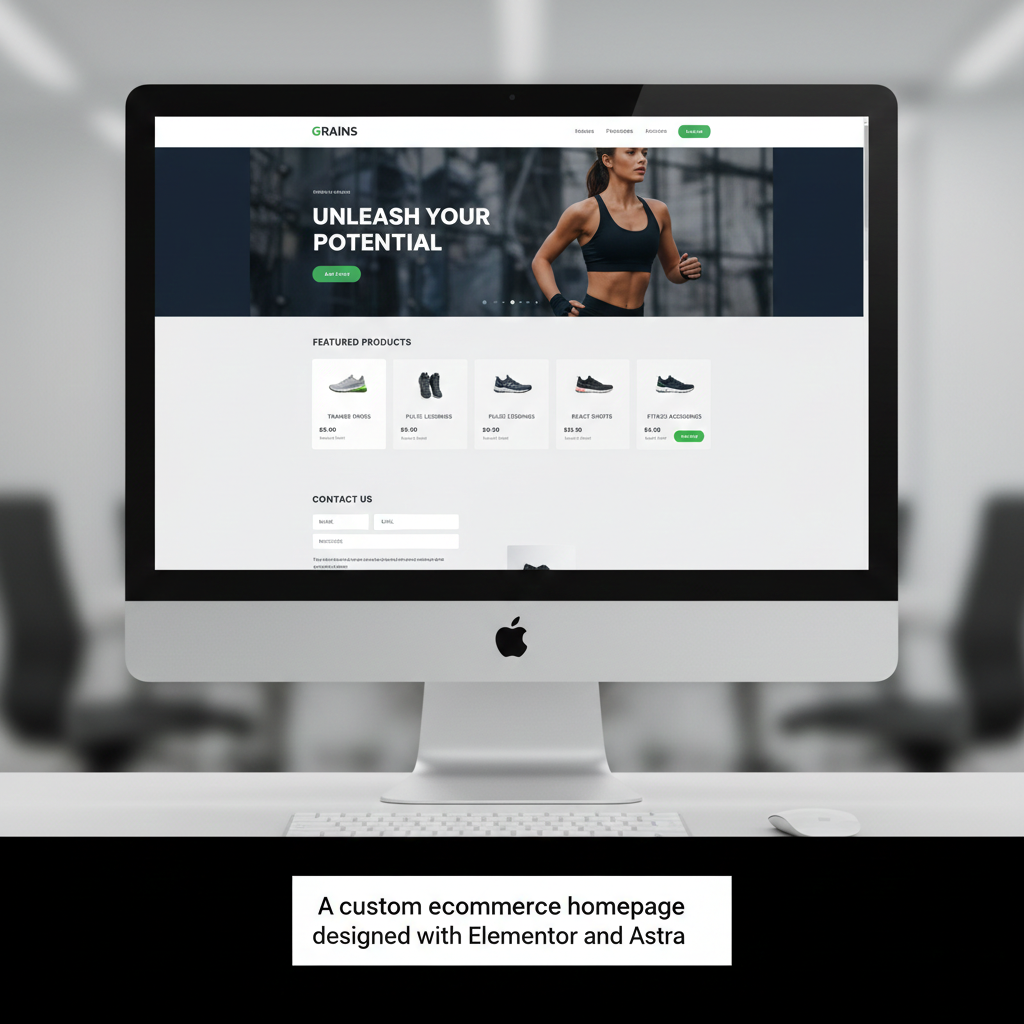
A professional homepage should guide your visitors toward a purchase. Using Elementor, you can build a Hero Section with a clear Call to Action (CTA), followed by a Featured Products slider to showcase your best items. Adding a “Contact Us” section with a clean form allows potential customers to reach out with questions, building trust from the start.
Logistics: Shipping, Taxes, and Payments
To ensure your store operates legally and efficiently, you must configure your back-end settings:
- Taxes: Set up tax rates based on your region (e.g., 18% standard rate) and choose whether prices are displayed inclusive or exclusive of tax.
- Shipping: Create shipping zones (like North America vs. Rest of World) and implement weight-based shipping rules to calculate costs accurately.
- Payments: Secure gateways like PayPal are essential. Testing these in “Sandbox Mode” before going live ensures your checkout flow is seamless for real customers.
Marketing and Compliance
Before launching, implement a few “pro” features to drive sales. Use Coupons for seasonal deals and Claspo for attractive pop-ups or countdown banners that highlight limited-time offers.
Equally important is legal compliance. Use tools like CookieBot to add a GDPR-safe cookie consent banner and ensure you have a clear Privacy Policy in place to protect your business and your customers.
Launch and Maintenance
Once you disable “Coming Soon” mode, your store is live! However, the work doesn’t stop there. Regular maintenance is key to preventing breaks during updates. Use WP Remote to perform visual regression testing—taking before-and-after screenshots of your pages—so you can verify that updates don’t alter your design.












Leave a comment