


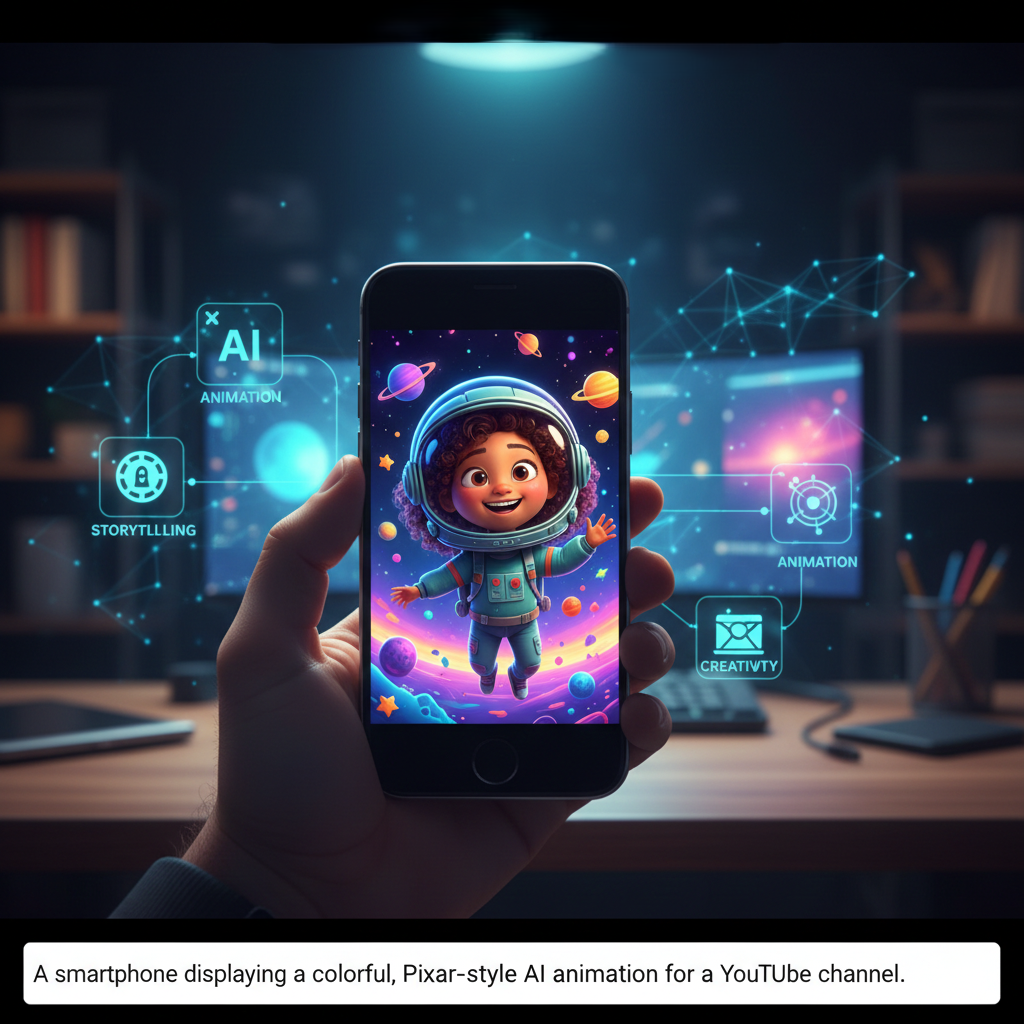
Step 1: Scripting and Storytelling
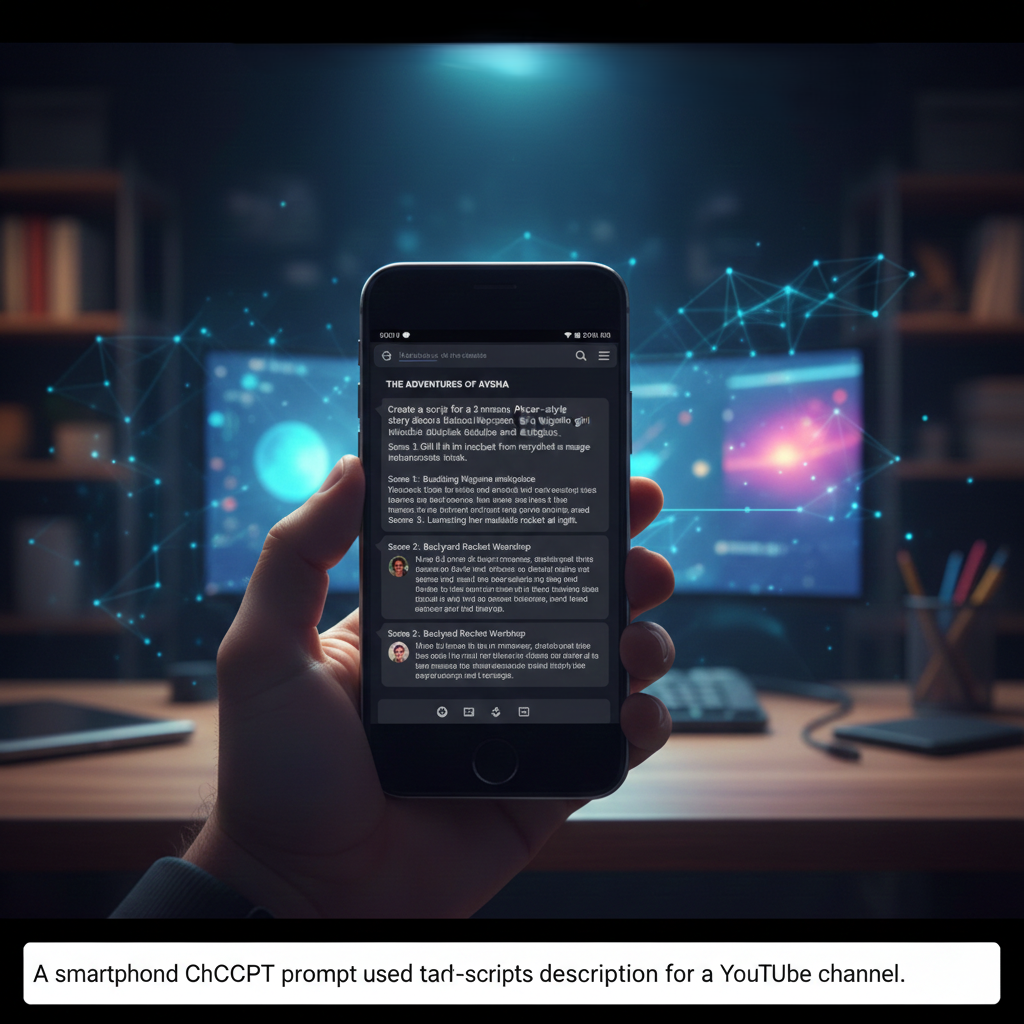
The foundation of any great animation is a structured script. To ensure your video flows logically, you must organize your story into specific scenes. A well-crafted prompt in ChatGPT can handle the heavy lifting by generating both the dialogue and the visual descriptions needed for your characters.
Instead of asking for a general story, be specific: define scene one (the setup), scene two (the journey), and the final climax. This structured approach allows the AI to provide detailed image prompts that maintain the story’s logic and pacing.
Step 2: Solving the Character Consistency Puzzle
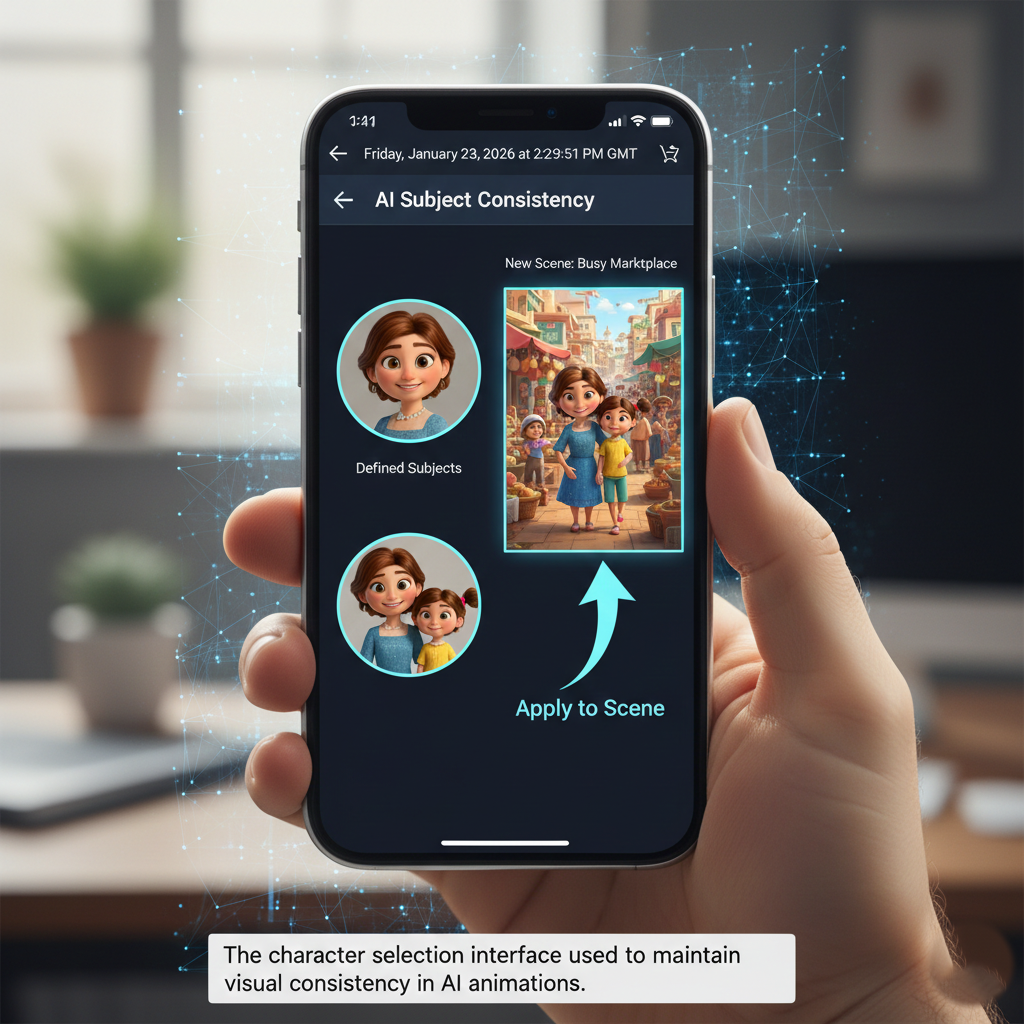
Visual consistency is what separates professional AI animations from amateur clips. By using specialized AI subject-tracking tools, you can “lock in” your characters. Once you have defined your primary subjects—such as a mother and her daughter—you can feed these specific characters into different scene prompts.
This ensures that the girl’s outfit, facial features, and overall “Pixar-style” aesthetic remain identical whether she is at home, in a busy market, or playing with friends. This level of detail builds trust with the audience and makes your brand recognizable.
Step 3: Animating and Adding Dialogue
With your consistent images ready, the next step is to bring them to life. Modern mobile apps like Grok AI allow you to upload your static images and convert them into animated video loops instantly.
The real power lies in the “Dialogue” feature. By simply typing the character’s lines into the app and specifying an accent or tone, the AI synchronizes the character’s movements with a realistic voiceover. This eliminates the need for expensive recording equipment or professional voice actors, making the process completely accessible to mobile users.
Step 4: Final Polishing in CapCut
A long-form video is simply a collection of these animated scenes perfectly timed. After generating your individual clips, use a video editor like CapCut to assemble them. During this phase, you can trim any “dead air” at the start or end of clips, add background music to enhance the mood, and include transitions to smooth out the storytelling.
By mastering this mobile workflow, you can build a scalable media empire without ever needing a laptop or showing your face. The barrier to entry has never been lower for creators ready to embrace the power of AI.








Leave a comment